[Feature: Team] Team Information Input and Modification
#DigitalForwarding #DigitalForwarder #TeamManagement #SCM #SupplyChainManagement
After creating a team, you can change "team information."
[Team Information Change Overview]
When you initially create a team, the upper right profile field displays [Team | Team Name: "Created Team Name" | Company Name: -]. In other words, the company name is blank. If you want to enter the company name, you can do so in [Company - Info].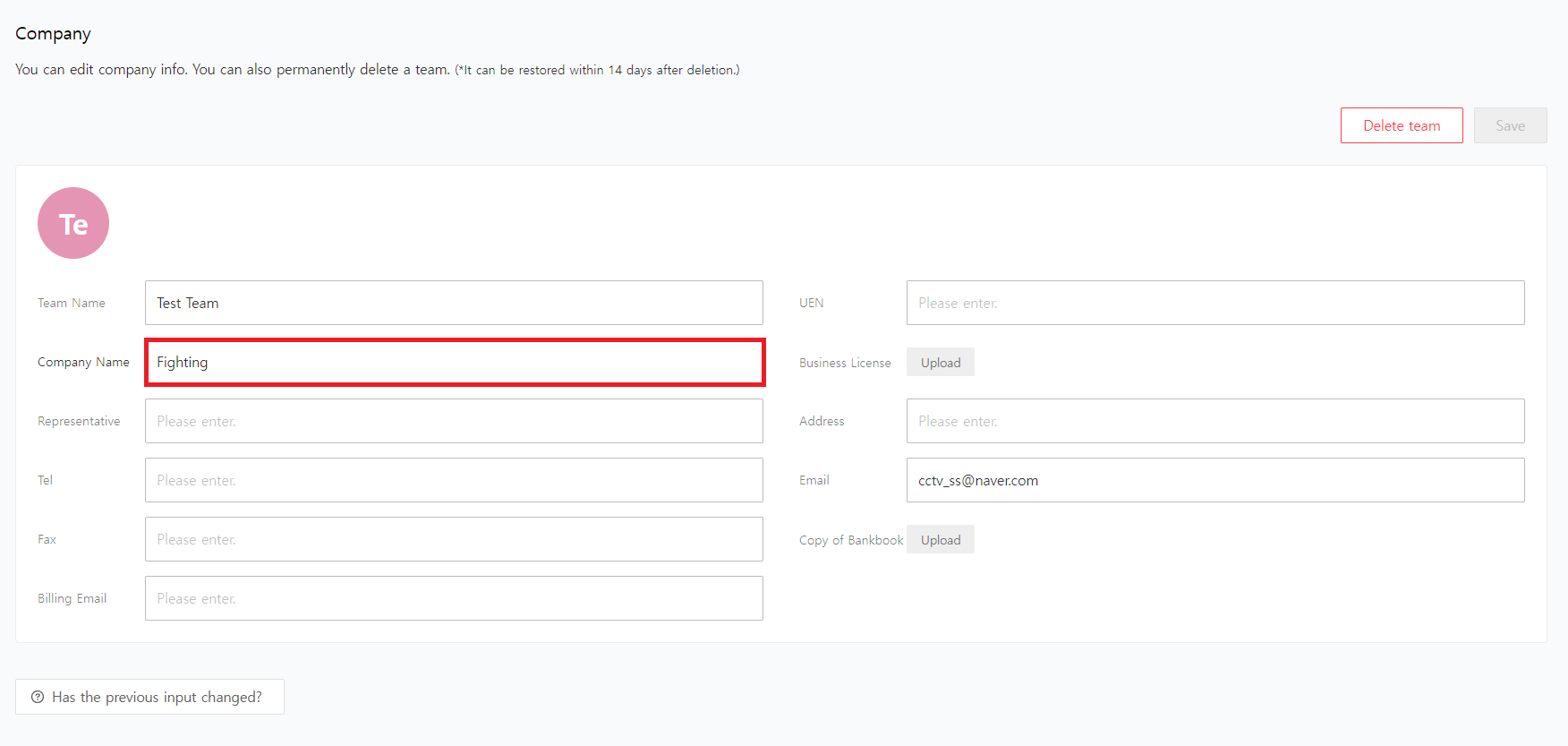
Clicking the "Save" button will display the company name on the upper right profile.
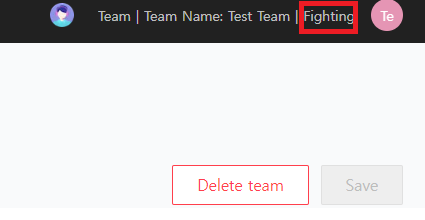
[Company - Info] page allows you to enter the company name. After entering the company name, click the "Save" button, and the company name will be reflected as shown below.
You can also input and modify team name, company name, UEN, etc., on the page.

