Fragmented import work,
Start again with one PO
When you create a PO, the next task follows.
Send PO, remit, and even ship
all from the PO screen.


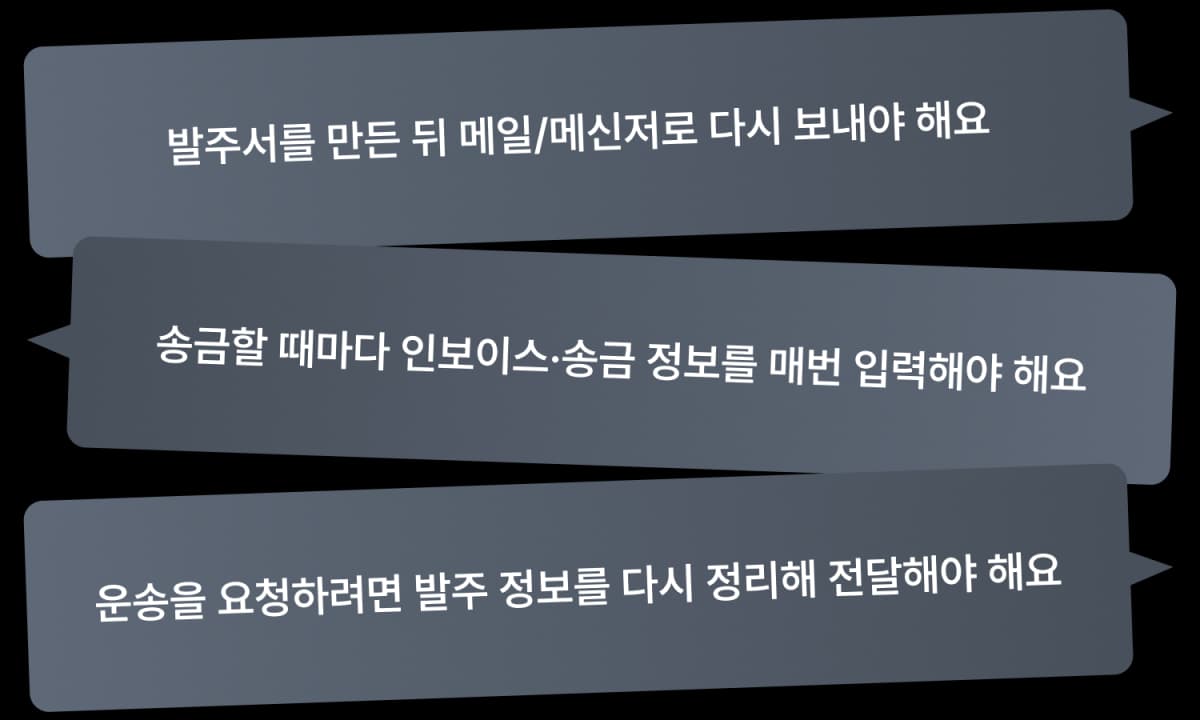
Shipper, after creating the PO,
isn't your work scattered?
You created the PO,
but work starts again from there.

ShipDa makes the PO
the standard for work
Designed to create PO directly and
seamlessly continue to the next task based on it.

Create a PO
Send to exporter
with one click

With the created PO
Easily continue
with foreign remittance

With the created PO
Request shipping
right away
Now the PO is not just a document to create,
but the standard that opens the next task.
The start of all import work,
Create PO easily
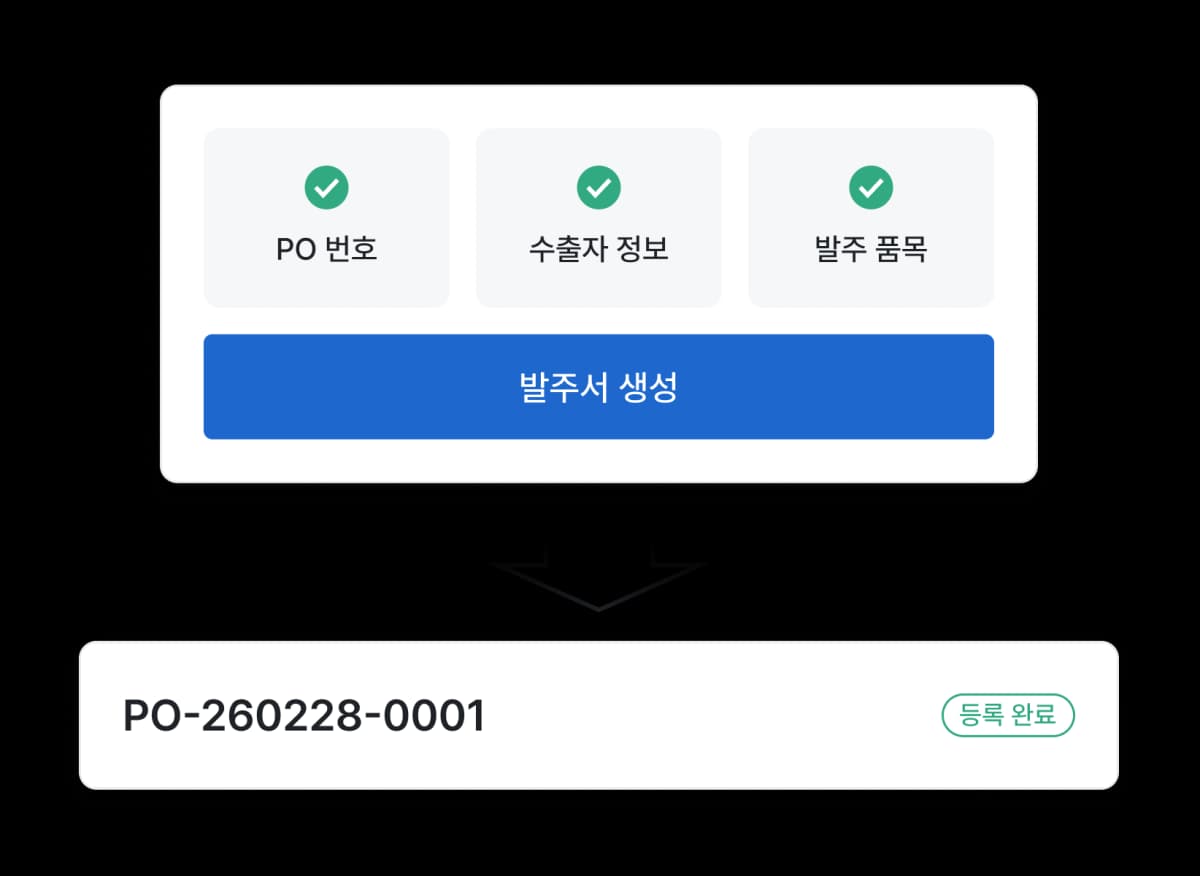
You can create PO quickly and easily in ShipDa.
Once you create a PO, subsequent PO sending, remittance, and shipping tasks
continue in the same flow.
After creating PO,
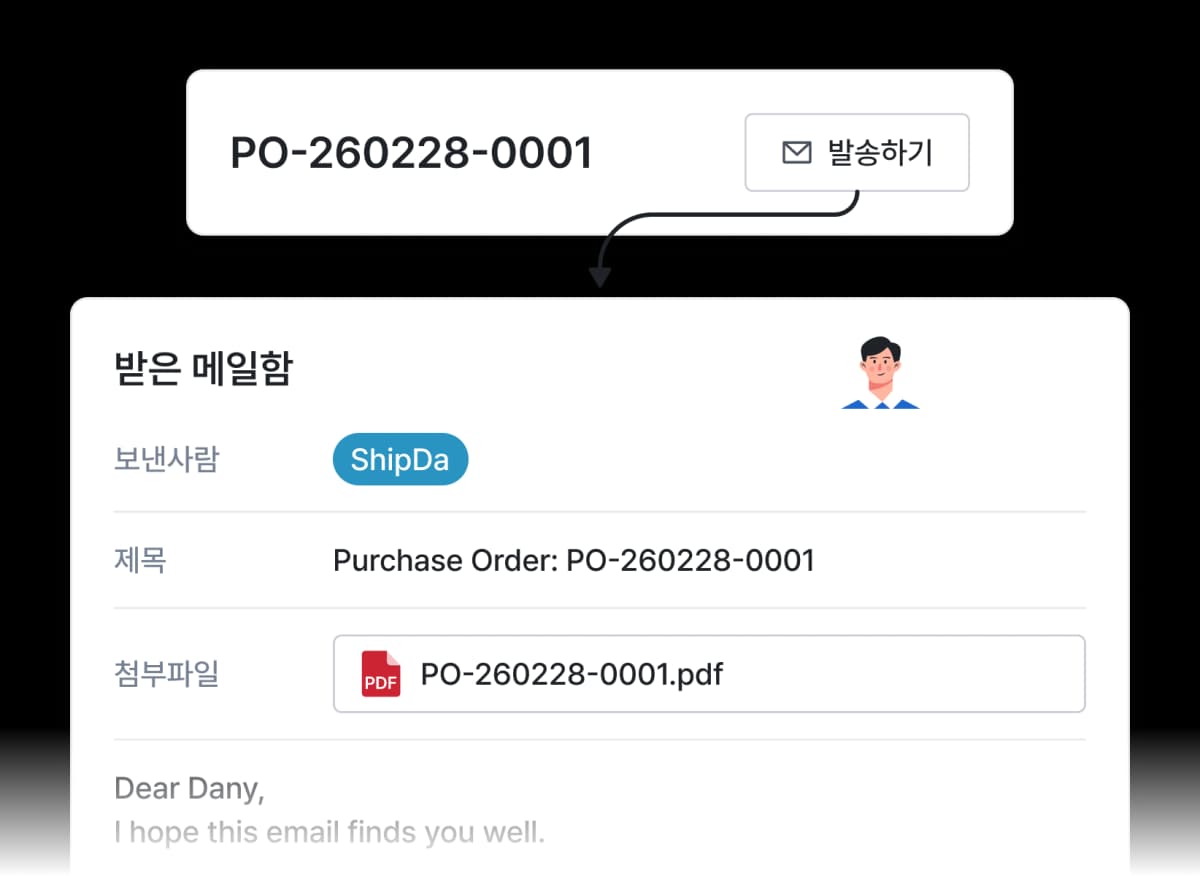
One-click email sending
After writing the PO, no need to
attach and send again via email or messenger.
With one button, the PO is sent directly to the exporter.
From the PO flow,
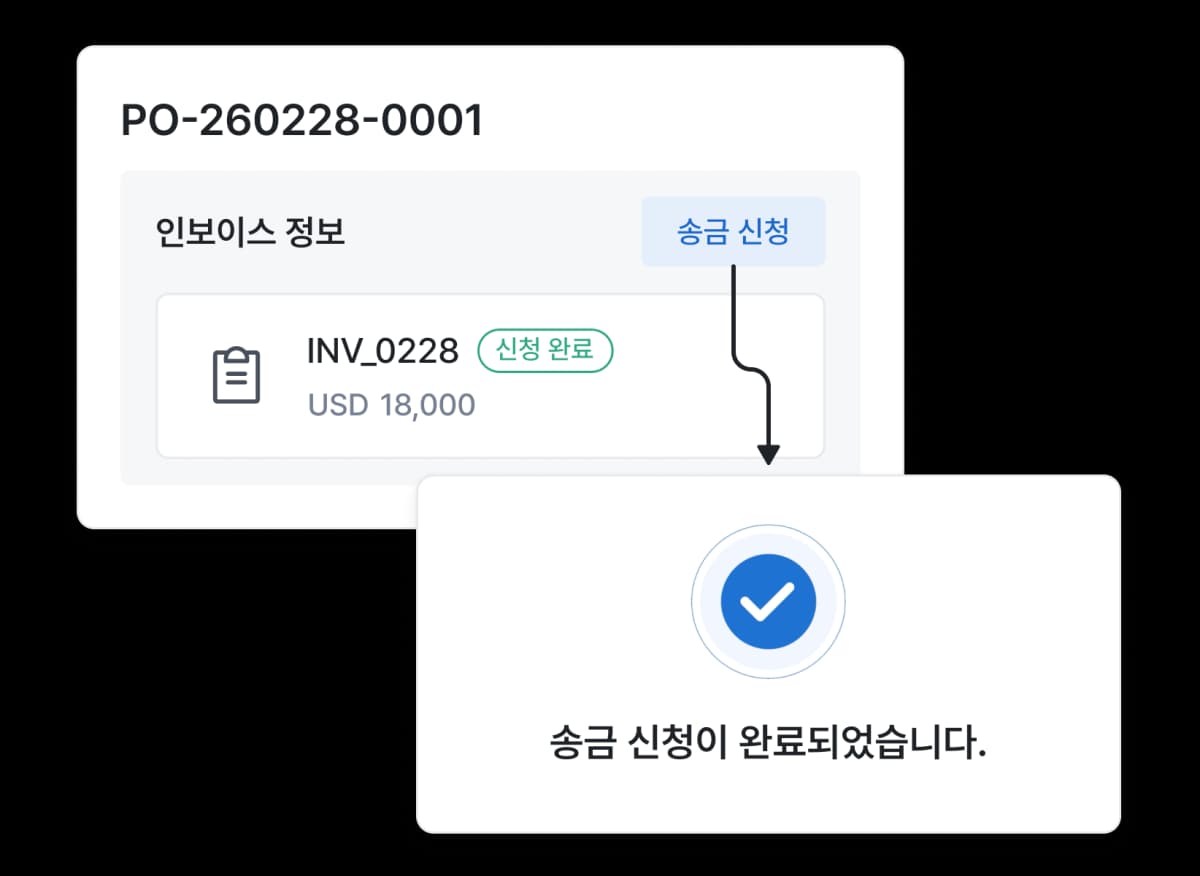
Immediate remittance application
Based on the invoice linked to the PO,
you can proceed with the remittance request by clicking the 'Apply for Remittance' button.
Remittance is also processed within the PO flow.
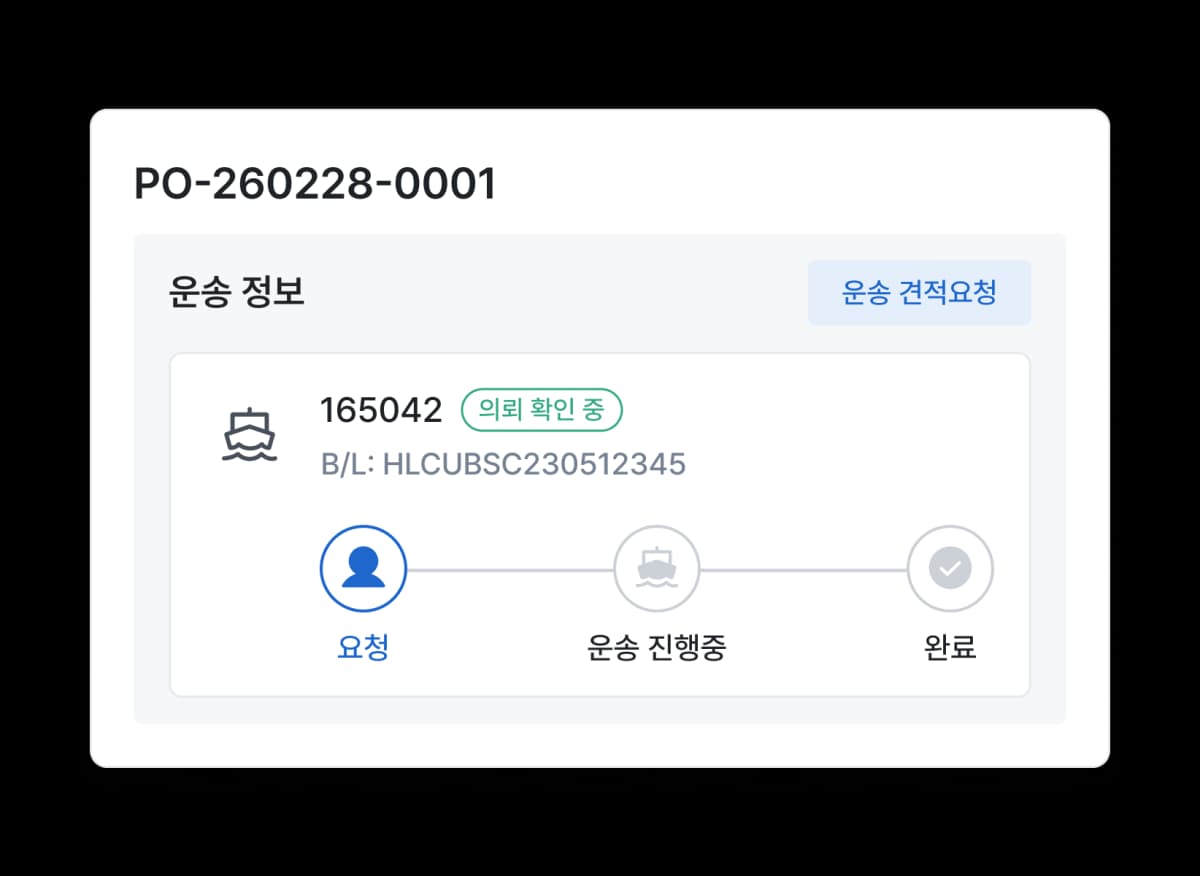
Based on the PO,
Continuous shipping management
After creating the PO, you can
immediately apply for shipping on the same screen.
You can manage shipping requests and status based on the PO.
Import workflow
starting with one PO
All follow-up tasks can be processed
without interruption at the same time as PO creation.
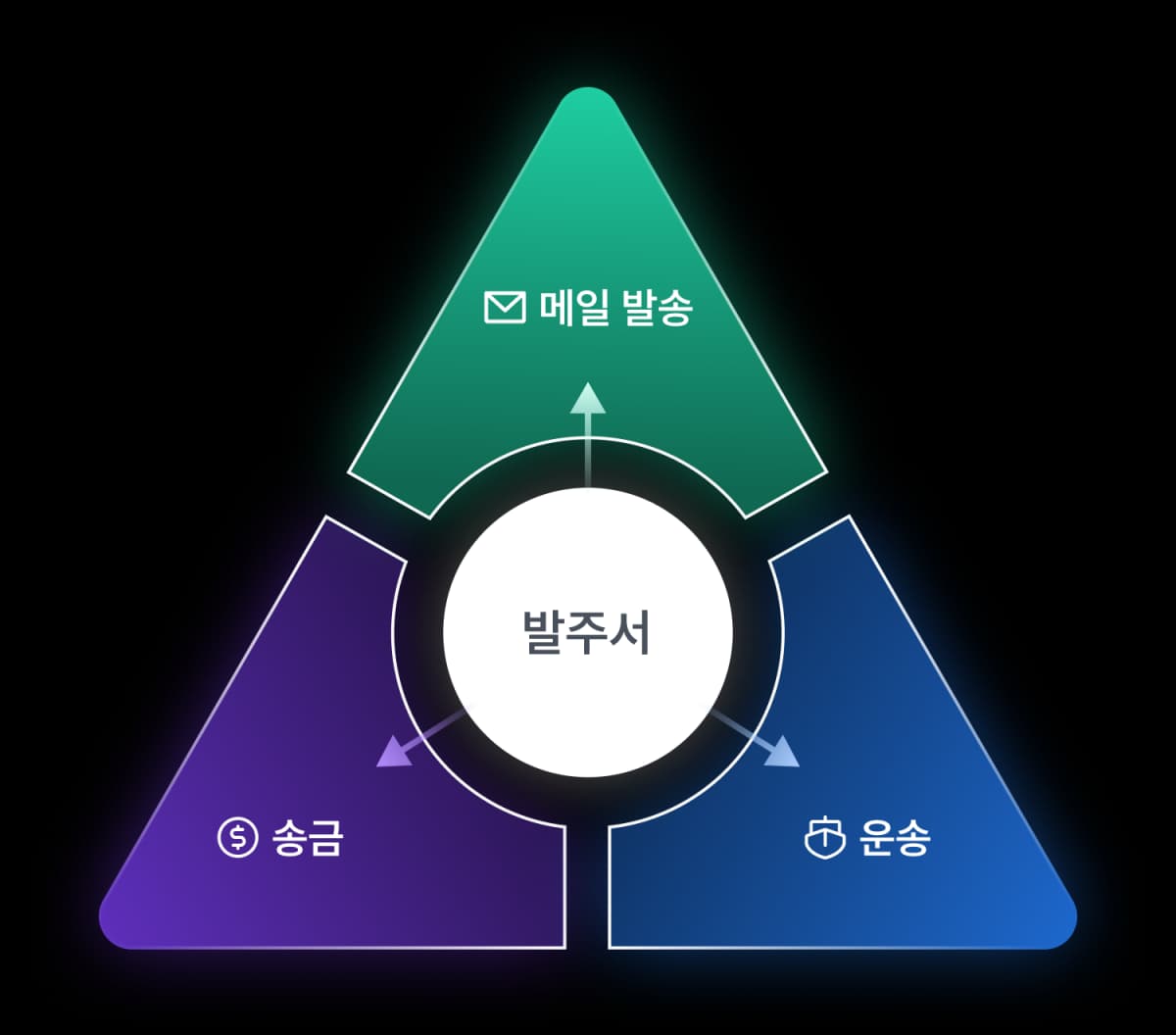
Orders without interruption, management without gaps
Order work flows smoothly
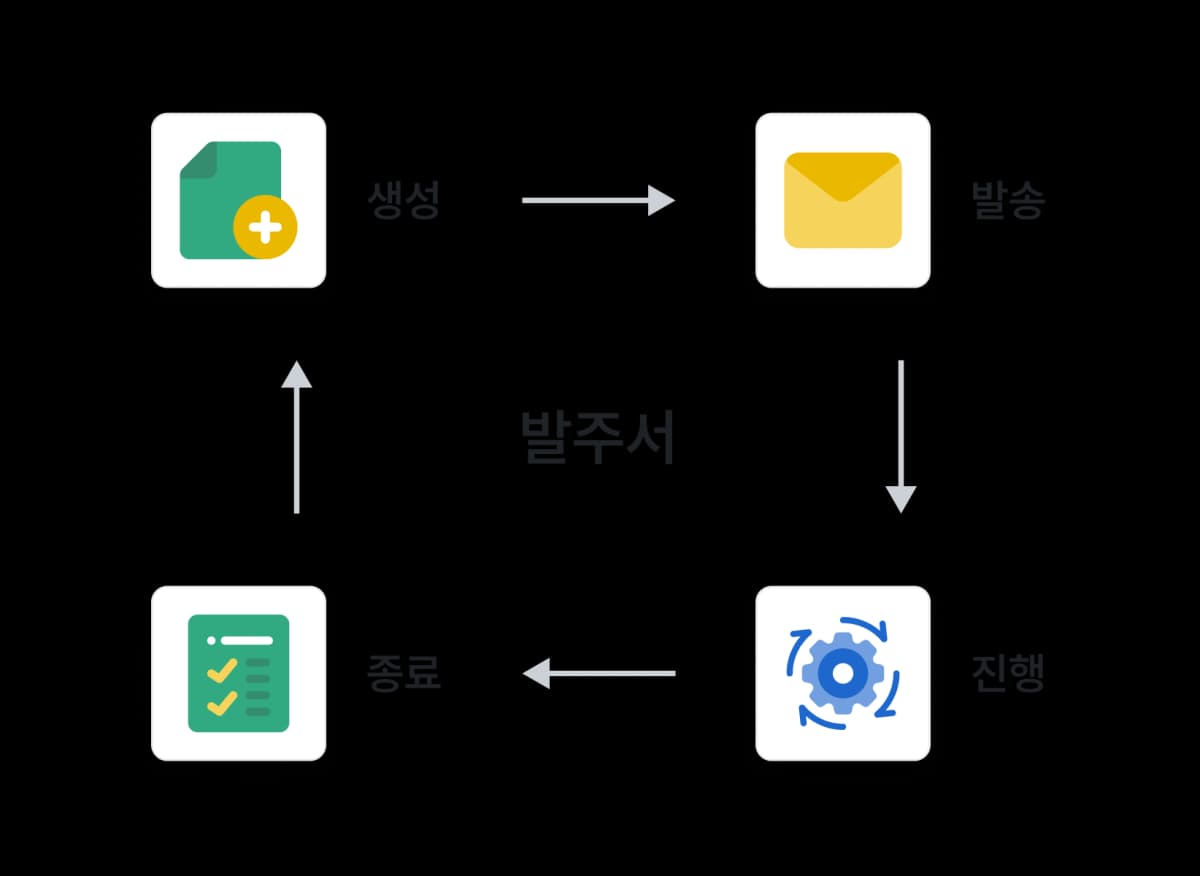
Not a 'file',
Managed as a work unit with status
PO becomes a clear management unit
from creation → sending → in progress → completion.
More efficient PO history as it accumulates,
Easier preparation for next PO
Partners, items, and conditions are managed by PO unit.
Repeat orders can continue without recreating.
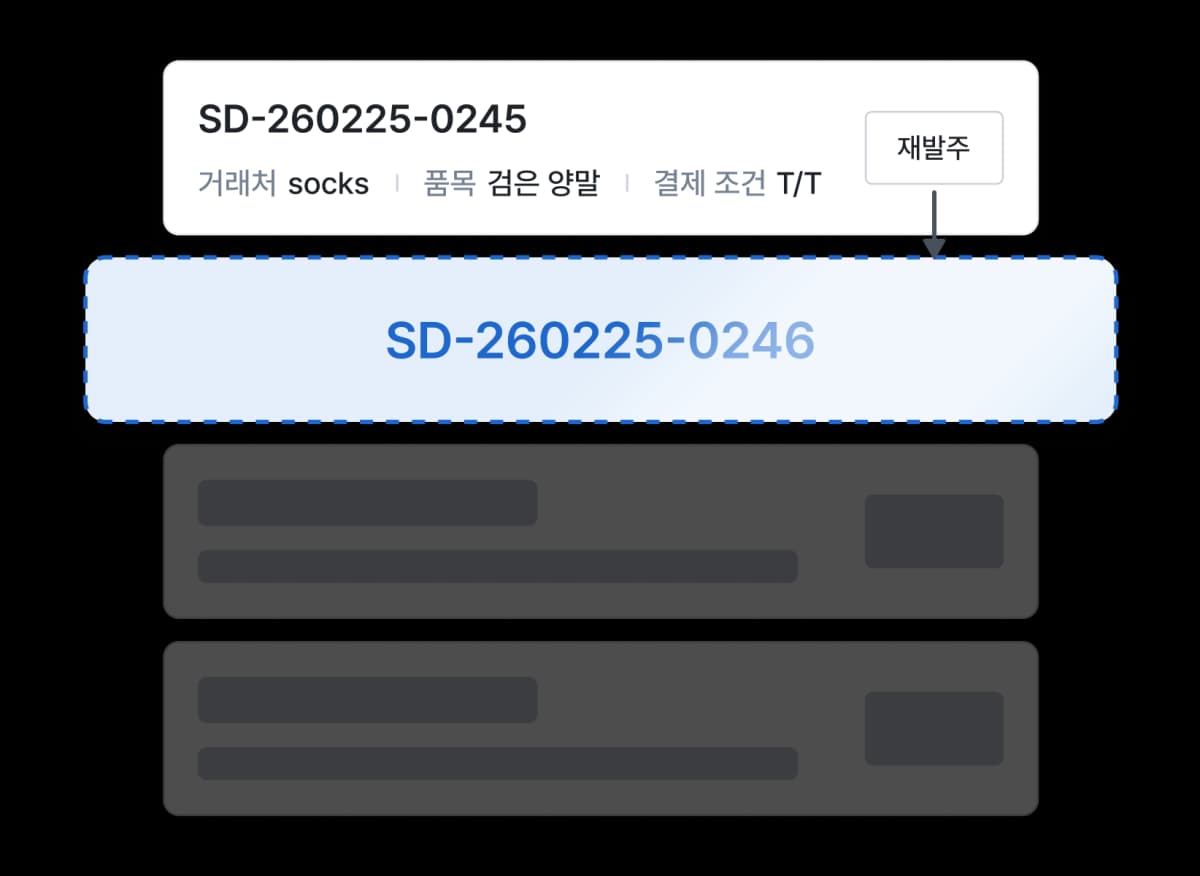
When the PO changes,
the import workflow changes
Start your import work with ShipDa's PO feature.
Request Introductions
We'll send you an introduction letter with the info you provided.