[Service] I'm curious about how to create a team
#TeamCreation #TeamManagement
Hello, this is Digital Forwarding - ShipDa
I'm here to provide information on how to create a team:
Inquiry: I'm curious about how to create a team.
Answer: Click on the profile → Create Team button → Enter Team Name → Input email addresses for invitation → Complete creation
1. After logging in, click on the profile and then click on the "Create Team" button.
- There is no limit to the number of teams you can create.
- There is no limit to the number of people you can invite to a team.
- You can assign permissions to the invited members.

2. Enter the team name.
- You can change the team name later in [My Page - Company Info - Edit Information].
- Enter the team name (English, special characters, etc.), and click the next button.
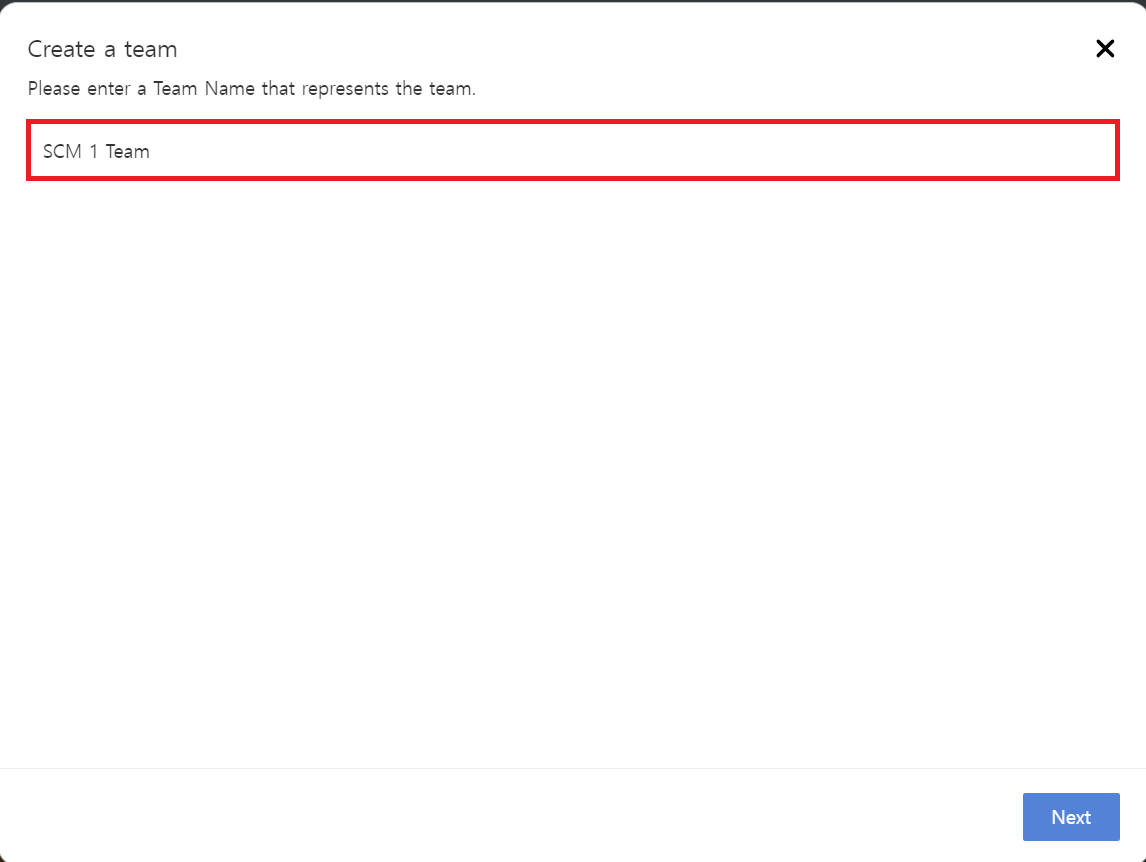
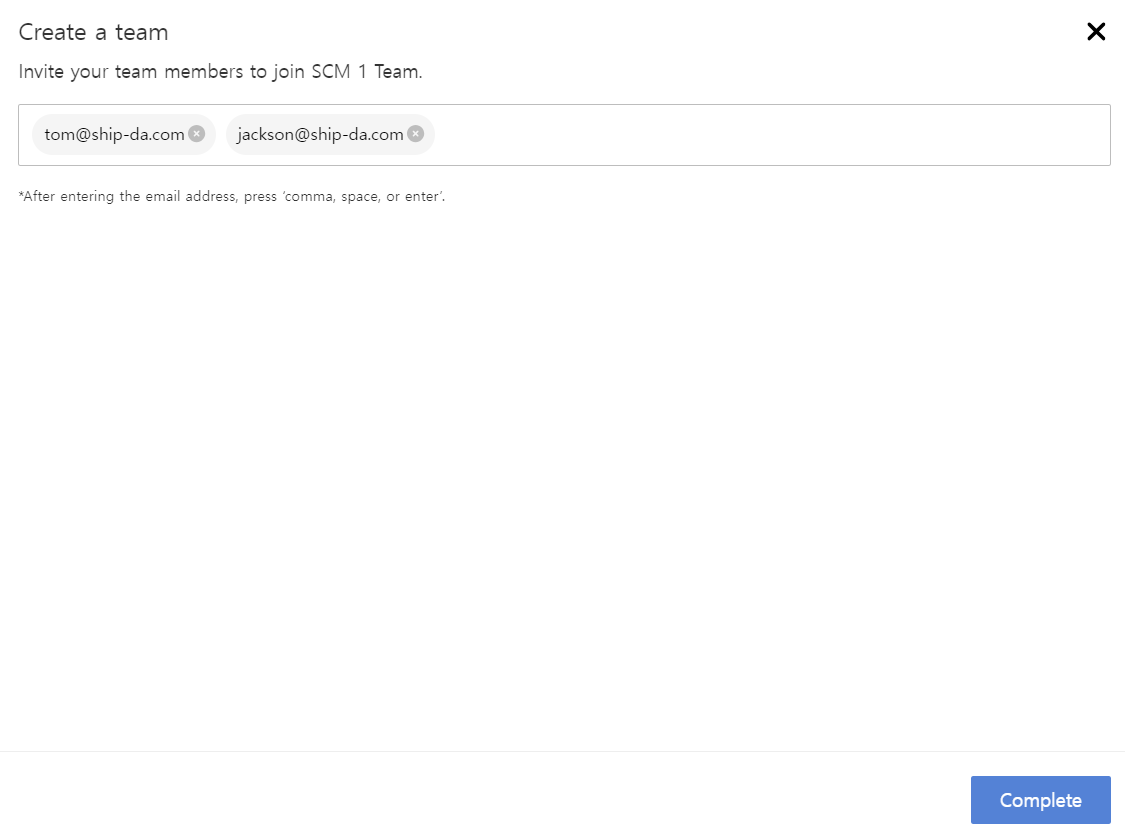
3. Enter the email addresses of the team members.
- Enter the email addresses of the team members, separating each with a comma, space, or press enter for individual registration.
- Once all are entered, click the complete button. After creating the team, additional invitations can be sent through [Company - Member]
- Invitations will be sent to the entered email addresses for further instructions.
4. Upon logging in, the invited member can either accept or reject the team invitation.
- If accepted, the status changes from "Invitation sent → Active."
- If rejected, the status changes to "Rejected."
- From the active status onward, you can modify the member's permissions. (*Member permissions: Can Create/Edit, No permissions - 2 options)
FAQ 1. Can the creator who made the team also belong to other teams?
Yes, it is possible. There are no limitations on creating teams or joining teams. You are free to use the service as you wish.
FAQ 2. How can I invite additional members to the team?
Access [My Page - Company -Member] and click on the "Invite" button in the upper right corner.
FAQ 3. I want to transfer existing transportation requests to the team.
Yes, it is possible. Please contact your forwarding operation manager, and our development team will assist you promptly.
- How to check the contact information of the person in charge (Click)

