[Feature: Team] Creating a Team and Inviting Members
#ShipDa #DigitalForwarding #DigitalForwarder #SCM #SupplyChain
Hello, this is the Digital Import Logistics Forwarding Service: Ship-da.
[Team Creation]
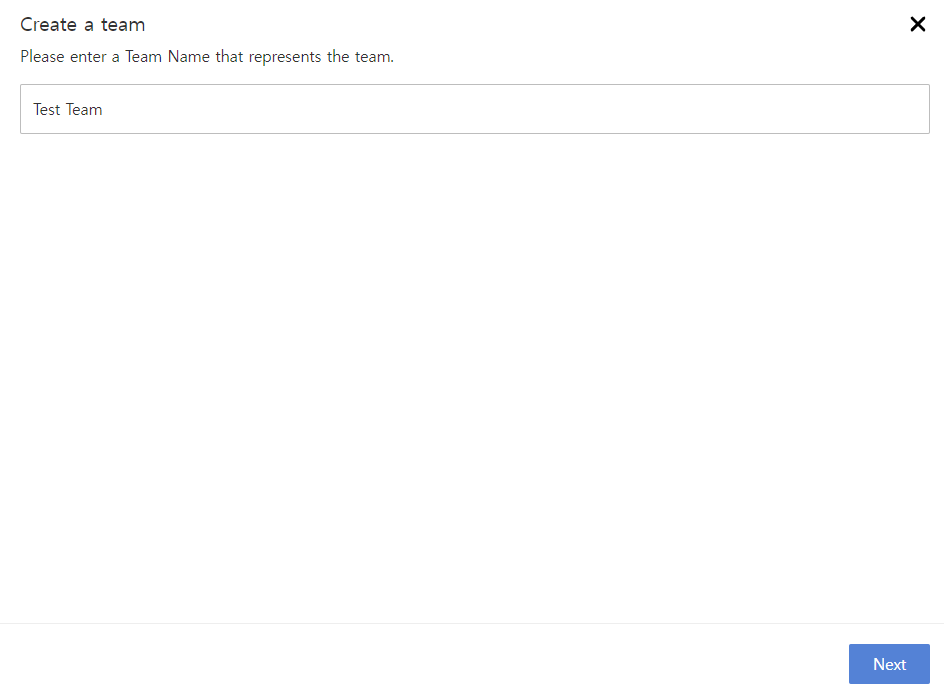
- Enter team name and click "Next."
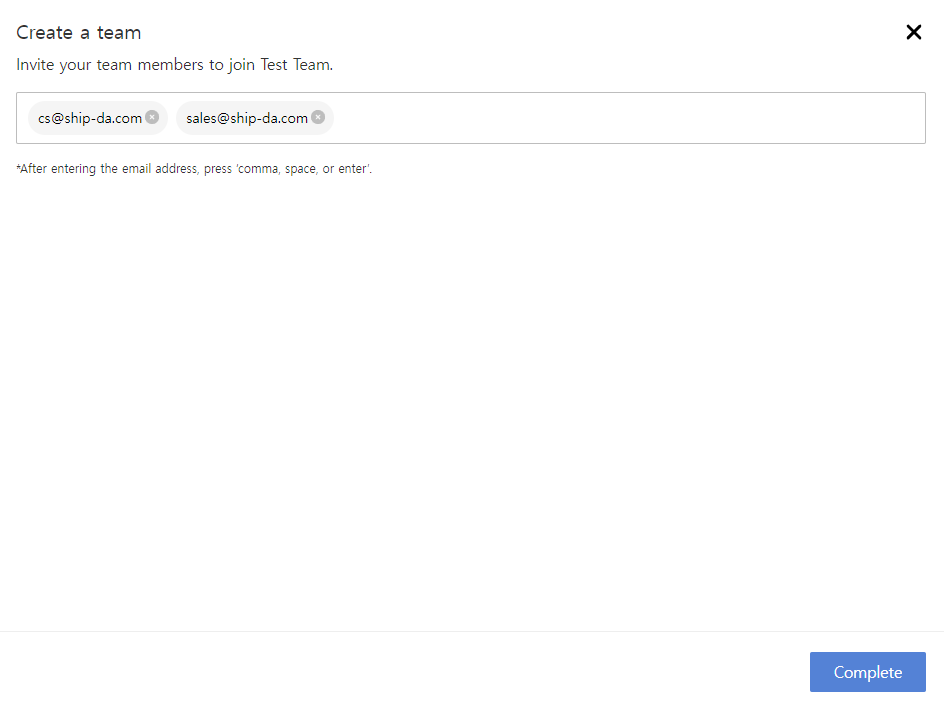
- Input email addresses for invited members. (Additional invites available in [Company Info - Member] post team creation.) Click "Complete" for team creation.
- After team creation, check invite history in [Company Info - Member]. Invitations are sent via email, and accepting changes status from "Invitation Sent" to "Active." (*Rejection changes status to "Invitation Sent > Rejected")
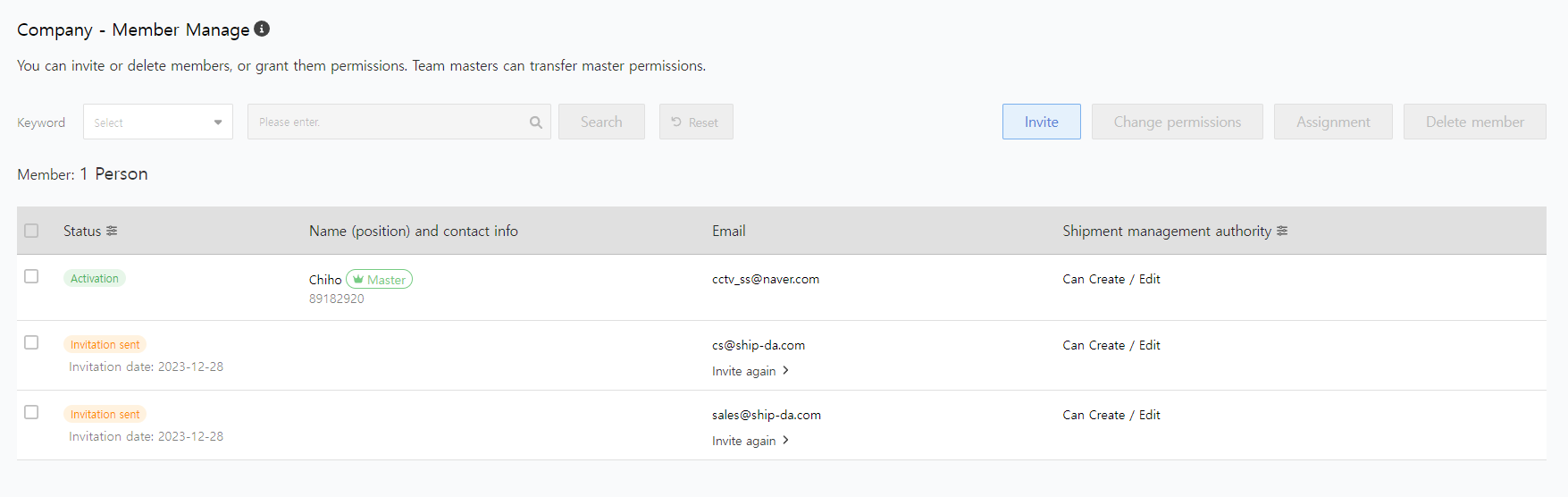
Resend invites to rejected or pending members with the ["Invite" button].

